MeezzyTV 4K IPTV: What You Need for Premium Quality
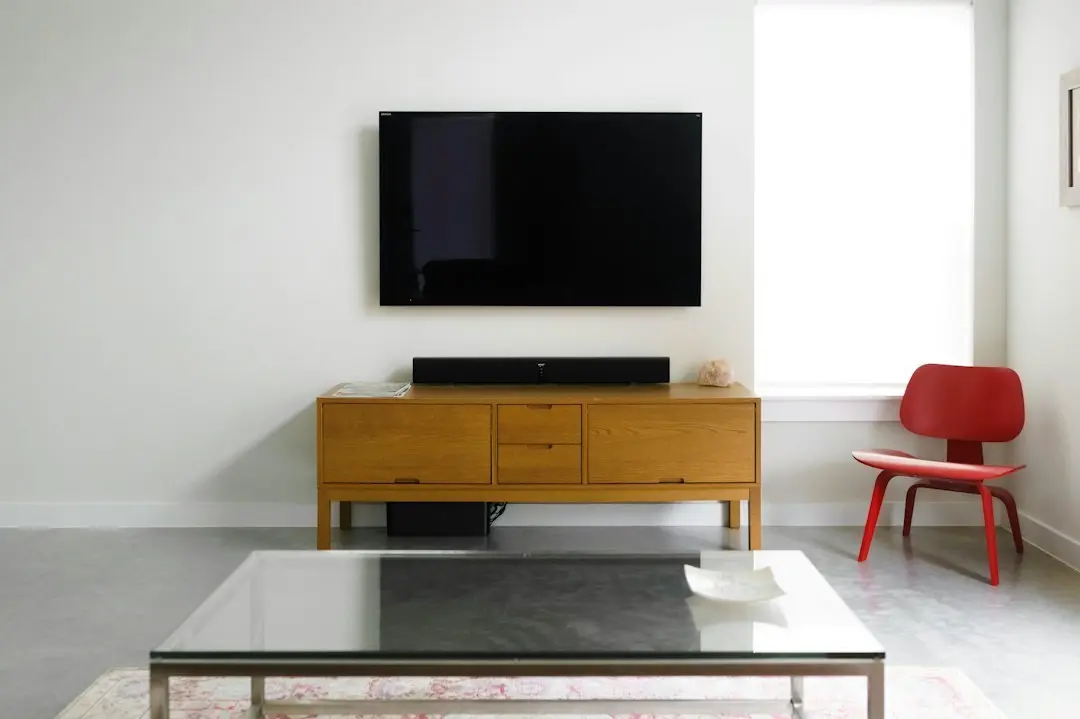
MeezzyTV 4K IPTV, in short
MeezzyTV 4K IPTV means this: streams play in HD, Full HD and 4K where the channel or title is available in that quality. Not every channel is broadcast in 4K, and a 4K stream only looks like 4K when your TV, your streaming device, your connection and your player app can all keep up. That holds whichever name you search for the service by, including IPTV Meezzy.
That last part is what most "premium IPTV" advertising leaves out. This guide explains what 4K IPTV actually depends on, what to check on your own setup, and how MeezzyTV's plans fit in, using only what the service publishes.
What "premium IPTV" should actually mean
Premium IPTV services often sell themselves on a single word: 4K, ultra HD, premium. A more useful definition of premium is a service whose quality claims are specific and whose terms are clear. When you compare premium IPTV services, look for:
- Quality levels stated honestly, with "where available" when not every stream is in 4K.
- A TV guide, so a large line-up is actually browsable.
- Clear prices and plan terms, including screens per plan and renewal.
- Support you can reach when a stream doesn't look right.
Be wary of promises like "zero buffering" or "every channel in 4K": no provider controls your home network, and few line-ups are 4K from end to end.
What MeezzyTV includes on quality
Every MeezzyTV plan includes the same quality and catalogue:
| What you get | MeezzyTV |
|---|---|
| Quality | HD, Full HD and 4K where available |
| Live channels | 25,000+, with line-ups for the USA, the UK, Canada, Europe, Latin America, the Middle East and Asia |
| On demand | 100,000+ movies and series, updated regularly |
| TV guide | EPG included |
| Screens | One connection per plan |
| Support | WhatsApp, 24/7 |
Quality doesn't change with the plan length. The 1-month plan and the 12-month plan stream at the same quality; only the price and the term differ.
The four things 4K IPTV depends on
A stream reaches your eyes through a chain, and 4K needs every link to support it.
1. A 4K screen
A 4K stream on a Full HD TV is shown at Full HD. If your TV isn't 4K, Full HD is already the best you will see, and that is fine for most viewing.
2. A 4K-capable device
The device that runs the player must support 4K output too. A 4K TV's own apps, a 4K streaming stick or a 4K Android TV box can; older or basic streaming sticks may top out at Full HD. Check the model, not just the brand.
3. A fast, stable connection
A connection of at least 30 Mbps is recommended for HD and Full HD. 4K streams need more headroom than that, and stability matters as much as speed: a connection that dips in the evening will show it first on 4K streams. Run a speed test on the device itself, at the time you usually watch.
4. A player set up for smooth playback
MeezzyTV has no app of its own; you use a third-party player. In that player, turn on hardware acceleration and raise the buffer size (the setup guide suggests 10–15 seconds on Android). Our IPTV player guide lists the players named for each device.
How to get the best picture at home
Most quality problems at home come from the network, not the stream. To give 4K IPTV the best chance:
- Use Ethernet or 5 GHz Wi-Fi. A cable is the steadiest option; 5 GHz Wi-Fi is usually faster and less crowded than 2.4 GHz.
- Turn on hardware acceleration in your player app.
- Raise the app's buffer size to 10–15 seconds on Android.
- Close other downloads and streams while you watch, including cloud backups and game updates.
- Keep the device close to the router, or use a mesh point near the TV.
If a 4K stream stutters but the Full HD version of the same channel plays well, the connection is the likely limit. Switching to the Full HD stream during busy hours is often the better experience.
Full HD or 4K: which should you watch?
4K isn't always the better choice. On a smaller screen, or when you sit far from the TV, the difference from Full HD can be hard to see, while a 4K stream asks far more of your connection. A sensible rule of thumb:
- Choose 4K for a large 4K TV, a wired or strong 5 GHz connection, and titles or channels offered in 4K.
- Choose Full HD on a smaller TV, over a busy or distant Wi-Fi network, or at peak evening hours when your connection slows down.
- Choose HD on a phone or tablet, or on mobile data.
A steady Full HD picture is usually more enjoyable than a 4K picture that pauses to buffer. Many player apps let you keep both versions of a channel in your favorites, so switching takes a second.
Best 4K IPTV: how to judge it yourself
Lists of the best 4K IPTV services can't tell you how a stream will look in your living room. You can judge that yourself in a few evenings:
- Pick the channels and titles you actually watch, and check which are offered in 4K.
- Watch them at peak evening hours, not only in the afternoon.
- Compare the 4K and Full HD versions on your own TV.
- Note whether the TV guide loads and whether channel changes are quick.
With MeezzyTV there is no free trial, so the 1-month plan at $12 is the short way to run these checks on your own setup. The try-it page explains what else to test.
MeezzyTV plans for 4K viewing
Every plan includes 4K where available, with one connection:
| Plan | Price, paid once | Cost per month |
|---|---|---|
| 1 month | $12 | $12.00 |
| 3 months | $25 | $8.33 |
| 6 months | $36 | $6.00 |
| 12 months | $52 | $4.33 |
Plans don't renew automatically: when one ends, you send a new order on WhatsApp. If you want to watch on a second 4K TV at the same time, ask the team for the price of an extra connection. The MeezzyTV IPTV price guide explains each plan's cost.
4K IPTV: frequently asked questions
Is every MeezzyTV channel in 4K?
No. Streams are offered in HD, Full HD and 4K where available. Many channels are broadcast in HD or Full HD only.
What do I need to watch 4K IPTV?
A 4K TV, a 4K-capable device or TV app, a fast and stable internet connection, and a player app with hardware acceleration turned on.
What internet speed does MeezzyTV need?
At least 30 Mbps is recommended for HD and Full HD. 4K needs more headroom, and a stable connection matters as much as the speed itself.
Does a longer plan give better quality?
No. Every plan has the same quality and catalogue. Only the length and the price change.
Why does my 4K stream buffer?
Usually because of the home network. Use Ethernet or 5 GHz Wi-Fi, turn on hardware acceleration, raise the buffer size and close other streams. If it still stutters, try the Full HD version of the channel.
Conclusion
MeezzyTV 4K IPTV delivers HD, Full HD and 4K where available, across 25,000+ channels and 100,000+ titles on demand, on every plan from $12. Premium quality at home depends on your screen, your device, your connection and your player settings, so check those first. See the plans and prices, learn how to try it first, or follow the setup guide to get your player ready.
Want to try MeezzyTV?
Start with the 1 month plan at $12, or pick 1, 3, 6 or 12 months. Before you order, the team can check your device on WhatsApp.
Related articles
MeezzyTV and the Best IPTV Player for Each Device
Which is the best IPTV player for MeezzyTV? The apps the setup guide names for Smart TVs, Fire TV Stick, Android and iPhone, and how to choose one.
Read the article
MeezzyTV: How to Find the Best IPTV USA Service
Looking for the best IPTV USA service? A plain checklist for US viewers, and how MeezzyTV's plans, devices and support line up against it.
Read the article
MeezzyTV: What the Best IPTV for Firestick Needs
MeezzyTV on a Fire TV Stick: what the best IPTV for Firestick needs, the player apps to use, how to add your login and how to keep playback smooth.
Read the article